Report sheet LN-07 · filed 27 Sept 2026
File Search: a disk search tool that never uploads
Six ways to match a name, duplicates confirmed by SHA-256 and a ZIP it writes itself — all inside a browser tab.
- Instrument
- labs.llc/filesearch/
- Shelf on labs.llc
- Studio & Tools · Utilities
- Bench
- Local copy of the build-537 files
- Run
- 27 Sept 2026 · 20:07–20:08 UTC
- Controls
- Everything (voidtools) · Agent Ransack
- Evidence
- Source lines in the build; timed reads
Aim
File Search searches your own disk from a browser tab. Point it at a folder and it indexes names, paths, sizes, dates and types, then matches names six ways — contains, starts with, ends with, exact, regular expression and fuzzy — greps text contents, filters by size, date and type with glob exclusions and depth, finds duplicates, shows results in three views with previews and a hex dump, and exports a selection as a ZIP. Nothing is uploaded.
It is for people who need to find, de-duplicate or gather files on a desktop and would rather not install a utility, or cannot. We tested the two claims easiest to get wrong: no network, and a ZIP that opens.
Method
Apparatus: what it reads, and where the work happens
All in the browser. The script says there is no fetch() in it, and that sentence is the only match for fetch( in filesearch/assets/js/app.js (line 19). Two outside libraries of the standalone build, JSZip and the Prism highlighter from a CDN, were removed so that only the page runs (10–19). On Chromium the folder opens read-only through the File System Access API (402–425); elsewhere the directory input and drag-and-drop are the way in. Content search reads known text types up to 2 MB each, with regex and ‘foo bar -baz’ terms (745–790).
Duplicates are grouped cheaply, then a confirm pass hashes only the grouped files with SHA-256, so what stays marked is byte-identical (1530–1565). The ZIP is written by hand in STORE mode with a table-driven CRC-32 and UTF-8 names flagged by bit 11, and it refuses beyond 65,535 entries or 4 GiB rather than write a corrupt archive (1340–1440). The page names the four things it keeps in your browser — presets, sticky filters, the last index’s metadata and a pinned folder handle — and never file contents (21–29).
It reads
- The visitor’s own folders, read in place; no network source
Procedure
On 27 September 2026 (20:07 UTC) we fetched the page from the local build-537 copy, searched app.js for network calls, and lifted its CRC table, crc32, date and makeZip functions into JavaScriptCore to build a two-file archive — one plain name, one containing é, ï, an em dash and ü — then opened it with Python’s zipfile and tested it.
Result
Fig. 11280 × 800
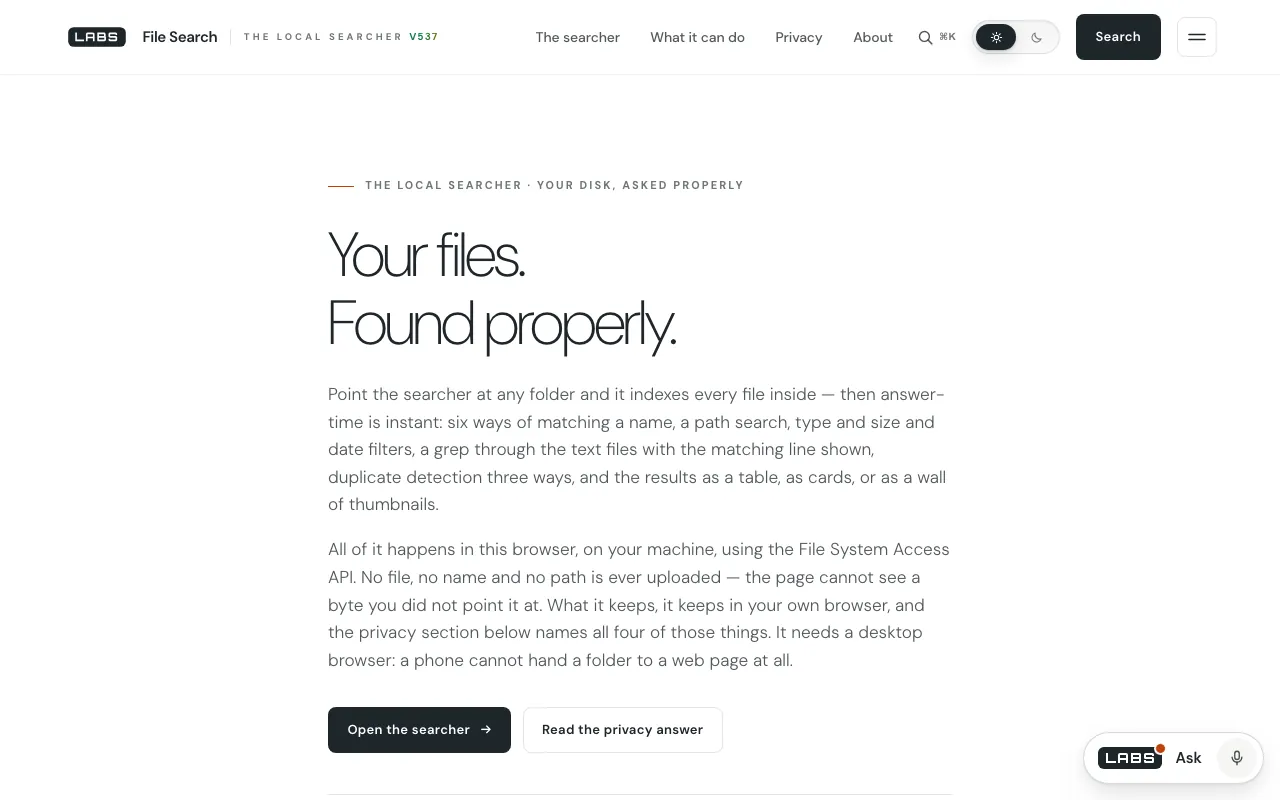
Fig. 2390 × 844
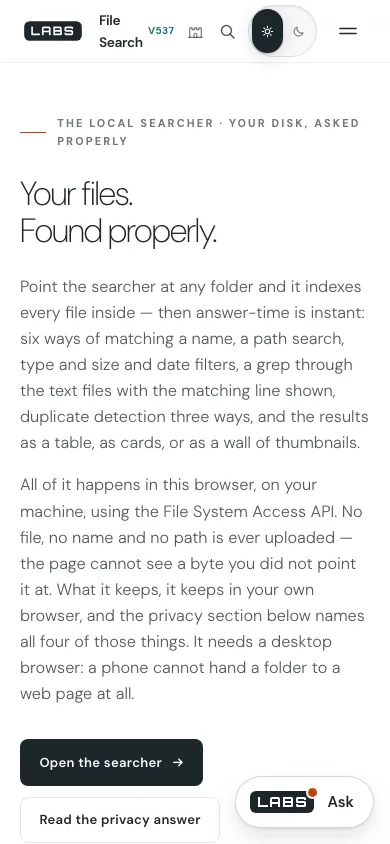
Table 1 · Run log, 27 September 2026
| No. | Reading | UTC | What came back |
|---|---|---|---|
| 1 | Page | HTTP 200, 73,477 bytes; app.js is 116,268 bytes in the tree | |
| 2 | fetch( in app.js | one match: the comment saying there is none | |
| 3 | ZIP from the page’s own code | 295 bytes; testzip() found no bad CRC; both names decoded as written (flag bits 2048); stored, not compressed; contents read back byte for byte |
The page’s ZIP writer, run outside the browser, made an archive a standard library accepted entry by entry, accented names intact. The network claim held to the letter.
Discussion
Two controls: the same job done elsewhere on the web. Each was read on its own page on the date shown, and each is better than File Search at something.
Everything (voidtools)
Checked .
A free Windows utility that finds files and folders by name instantly from a quick filename index, with real-time updating and light resource use.
Where it is better
- Instant search across the whole machine from a persistent index that updates itself.
- No folder to pick each session.
Where File Search goes further
- No installation, and it runs in browsers on macOS, Linux and ChromeOS as well as Windows (app.js 402–425).
- Content grep with regex and exclusions, SHA-256-confirmed duplicates and a verified ZIP, in one page.
Agent Ransack (Mythicsoft)
Checked .
A Windows file and content searcher with Perl-compatible regular expressions, Boolean AND, OR and NOT, highlighted matching lines, search inside Office documents, PDFs and zip files, and reports and export; its Lite mode is free, and the same product runs as FileLocator Pro when paid.
Where it is better
- Searches inside Office files, PDFs and zips.
- Full Boolean expressions and PCRE.
- Reports and printing.
Where File Search goes further
- Six name-matching modes including fuzzy, plus byte-identical duplicates by SHA-256.
- Gathers the finds into a ZIP written in the page, and lists the four things it keeps in the browser.
Sources of error: where it falls short
- No live, system-wide index: it indexes a folder each session or restores a metadata snapshot.
- Content search covers plain-text types only and skips files over 2 MB.
- Nothing on phones or tablets: iOS, iPadOS and Android browsers give no folder access, and the page says so (2336–2345).
- The best experience needs a Chromium browser; others fall back to the classic directory input.
- The ZIP is stored, not compressed, and stops at 65,535 files or 4 GiB — there is no ZIP64.
Conclusion
FindingNo network calls; the page’s own ZIP passed Python’s CRC test with accented names intact.
File Search takes ‘nothing leaves the machine’ further than most web tools: it dropped its CDN libraries, opens folders read-only, confirms duplicates by hash, and writes a ZIP that refuses at the limits instead of corrupting. Our run found that ZIP sound. It is not Everything’s always-on index, nor Agent Ransack’s search inside Word and PDF files, and it does nothing on a phone. On a desktop where installing is not an option, it is the one to open.